

BigViewLink™ — Bring game night to life on the big screen, without the bulky setup


BigViewLink™ — Bring game night to life on the big screen, without the bulky setup
- 100 Day Money Back Guarantee
- 🇺🇸 FREE Shipping Within The U.S.
- Verified Pinterest Merchant


 Free Shipping
FLASH SALE ENDS TONIGHT
All products at their lowest prices this year.
Take Your Games and Movies to the Big Screen!
Turn a compatible USB-C device into your seat for a bigger, more immersive viewing experience. Connect straight to a TV or monitor for 4K video, gaming, movies, photos, or presentations—without a bulky dock. The 2-meter BigViewLink™ cable also supports up to 100W PD charging, so compatible devices can stay powered while you watch or play. Your device must support video output through USB-C.
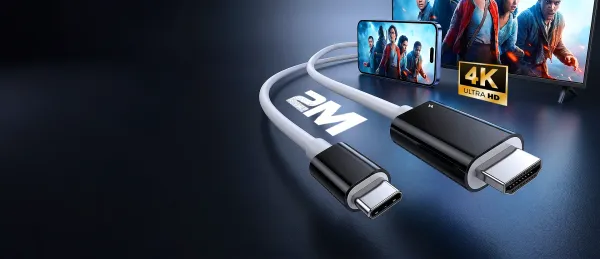
Want to Make Your Screen Feel Bigger with One Simple Connection?
✅ See more on a 4K display: Bring compatible games, movies, photos, and presentations from your USB-C device to your TV or monitor. Settle in and enjoy your content on a screen made for sharing.
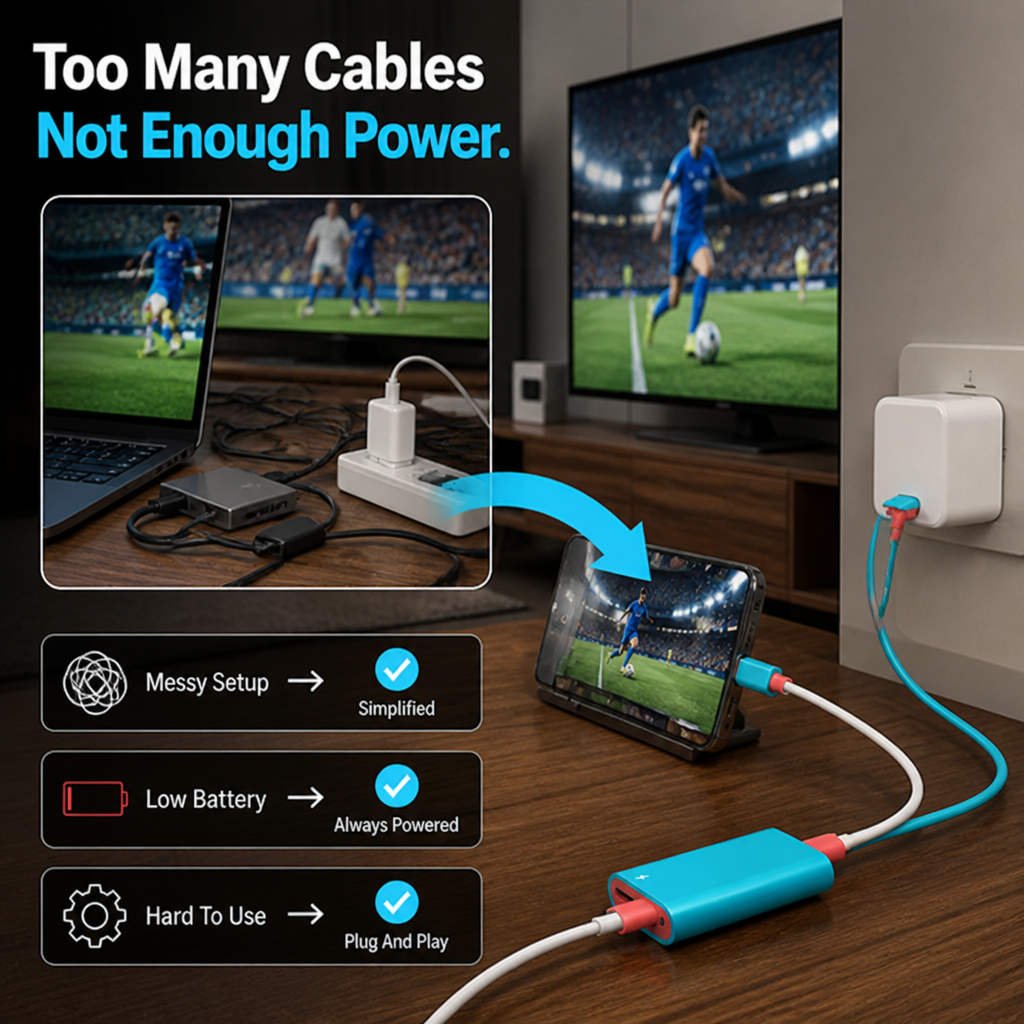
✅ Keep the session going: PD charging support up to 100W helps keep compatible devices powered while connected. Add a suitable power source and spend less time worrying about battery during longer viewing or gaming sessions.
✅ Enjoy a more flexible setup: The 2-meter length gives you extra room to position your device comfortably at your desk, in the living room, or during a presentation—without adding a bulky docking setup.
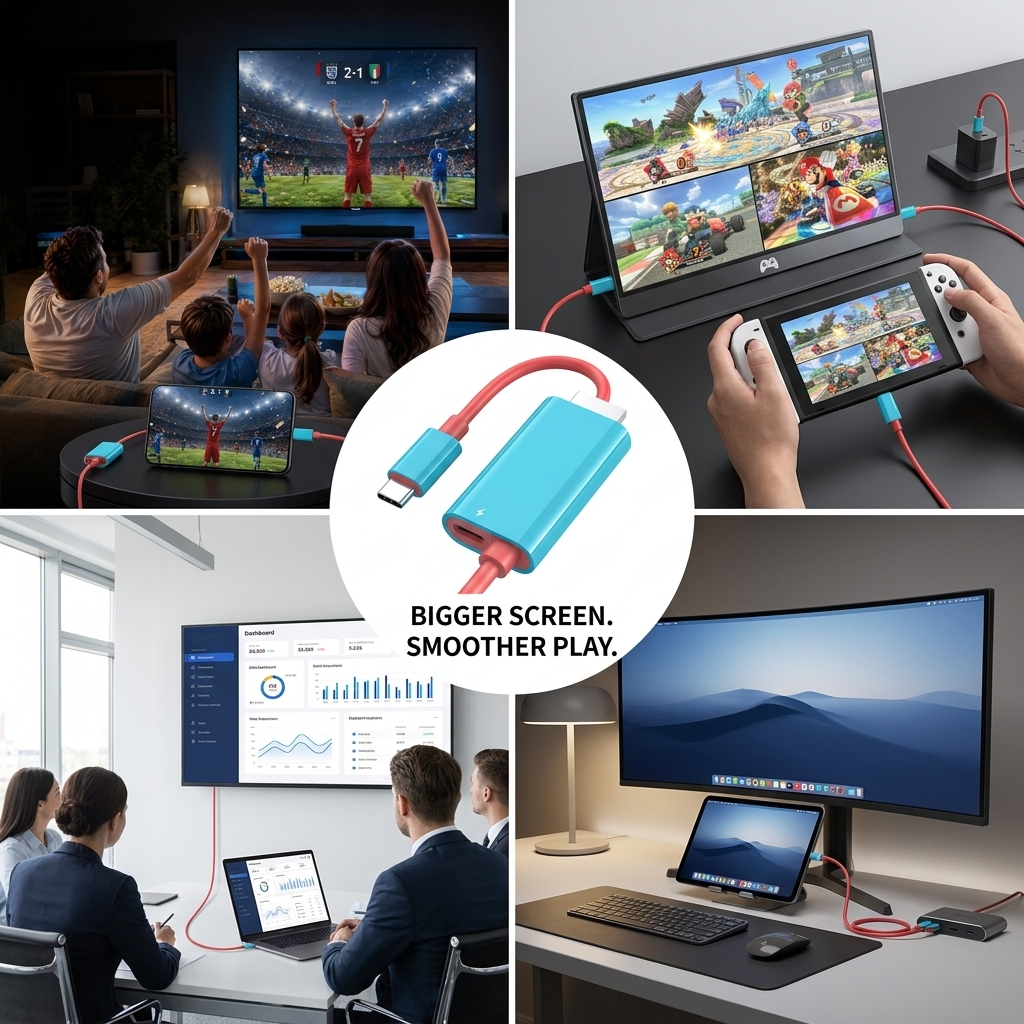
More Screen, Less Setup Fuss!
Skip the complicated setup and bring compatible USB-C content straight to your TV or monitor. BigViewLink™ makes it easy to enjoy games, movies, photos, and presentations on a 4K display, while up to 100W PD charging support helps keep your device powered during use. Its 2-meter reach gives you more freedom to get comfortable, whether you’re at a desk or gathering everyone around the screen. Works with compatible Switch consoles, smartphones, tablets, and laptops that support USB-C video output.
| Us | Others | |
|---|---|---|
| Enjoy 4K on a bigger screen | ✅ | ❌ |
| Stay powered with up to 100W PD | ✅ | ❌ |
| Get more room with a 2-meter cable | ✅ | ❌ |
| Connect without a bulky dock | ✅ | ❌ |
Turn Game Night Into a Big-Screen Experience!
✅ Get immersed on a 4K display: Connect a compatible USB-C device to your TV or monitor and bring games, movies, photos, and presentations to a bigger screen. Enjoy the extra space and detail that make shared viewing more fun.
✅ Keep your device powered as you play: Up to 100W PD charging support helps keep compatible devices powered while connected to an external display. Charging performance depends on your device and power source.
✅ Get comfortable with extra reach: The 2-meter cable gives you more flexibility between your device and screen, whether you’re setting up in the living room, at a desk, or for a presentation. Use with compatible devices that support USB-C video output.
Big-Screen Setup Questions, Answered
A: Your device needs USB-C video output to send a picture to a TV or monitor. Check your device specifications if you’re unsure.
A: Connect a compatible USB-C smartphone, tablet, laptop, or gaming device to an HDMI TV or monitor. It’s an easy way to enjoy supported content on a larger screen.
A: The cable supports PD charging up to 100W when used with a suitable power source and compatible device. Actual charging performance depends on both.
A: The 2-meter length gives you extra room to position your device near your TV or monitor. It can help keep your setup comfortable without needing to hold your device right beside the screen.
A: Connect the USB-C end to a device that supports video output and the HDMI end to your display. Disconnect gently by the connectors and keep the cable neatly coiled when not in use.
FLASH SALE ENDS TONIGHT
All products at their lowest prices this year.
Free Shipping
Free shipping with tracking for every order.
Premium Support
Our team is here for you around the clock, every day.
Fast & Secure Payment
Checkout safely with PayPal or any major credit card.
100-Day Money Back
Love it or your money back, guaranteed for 100 days.